Build a Claude Proposal Workflow That Stays Human

A good proposal should make the buyer feel understood, rather than making them wonder whether a machine wrote it. Yet, proposals often get delayed by scattered discovery notes, unclear scope, and last-minute pricing decisions.
Establishing a structured Claude proposal workflow provides a repeatable way to turn approved client information into a strong first draft. By using the Claude desktop app to organize your writing process, you can maintain focus and security while drafting. However, the final proposal still requires human judgment, as critical elements like scope, pricing, legal language, and specific client commitments cannot be fully automated by an AI model.
Key Takeaways
- Start by organizing your proposal brief within Claude Projects to ensure all verified facts are centralized and easy to reference.
- Provide Claude with specific reference files, clear instructions, and a fixed output structure to maintain high accuracy and consistency.
- Remove confidential data that Claude does not need to produce a useful draft.
- Require human approval for scope, pricing, claims, legal terms, and the final send.
- Automate routing and version control, while keeping commercial judgment with your team.
Start With a Proposal Brief, Not a Prompt
Claude can turn an organized brief into useful proposal copy quickly. However, it cannot fix a weak sales process. If the discovery notes conflict, the scope is fuzzy, or the price has not been approved, the draft will carry those problems forward. Treat Claude as a professional research assistant that helps you synthesize complex information, provided you feed the right data into its context window.
Build one standard proposal brief for every opportunity. It can live in a form, a CRM record, a project board, or a shared document. Using a standard format like markdown files can ensure better compatibility when you move information between platforms. Whether you are working from a browser or the Claude desktop app, the location matters less than consistency. A repeatable brief prevents the sales lead, account manager, and writer from working from different versions of the truth.
A useful proposal structure follows the same core logic found in this business proposal writing guide: identify the client’s problem, explain the proposed approach, define deliverables, state terms, and give the buyer a clear next step.
Capture facts that Claude can trust
Before you open Claude, complete the brief with approved details:
- Client goals, current constraints, decision criteria, and project deadlines.
- A plain-language problem statement based on discovery, not assumptions.
- Proposed services, exclusions, milestones, deliverables, and client responsibilities.
- Approved pricing, payment schedule, assumptions, and internal owner.
- Relevant proof, such as confirmed case studies, testimonials, or public results.
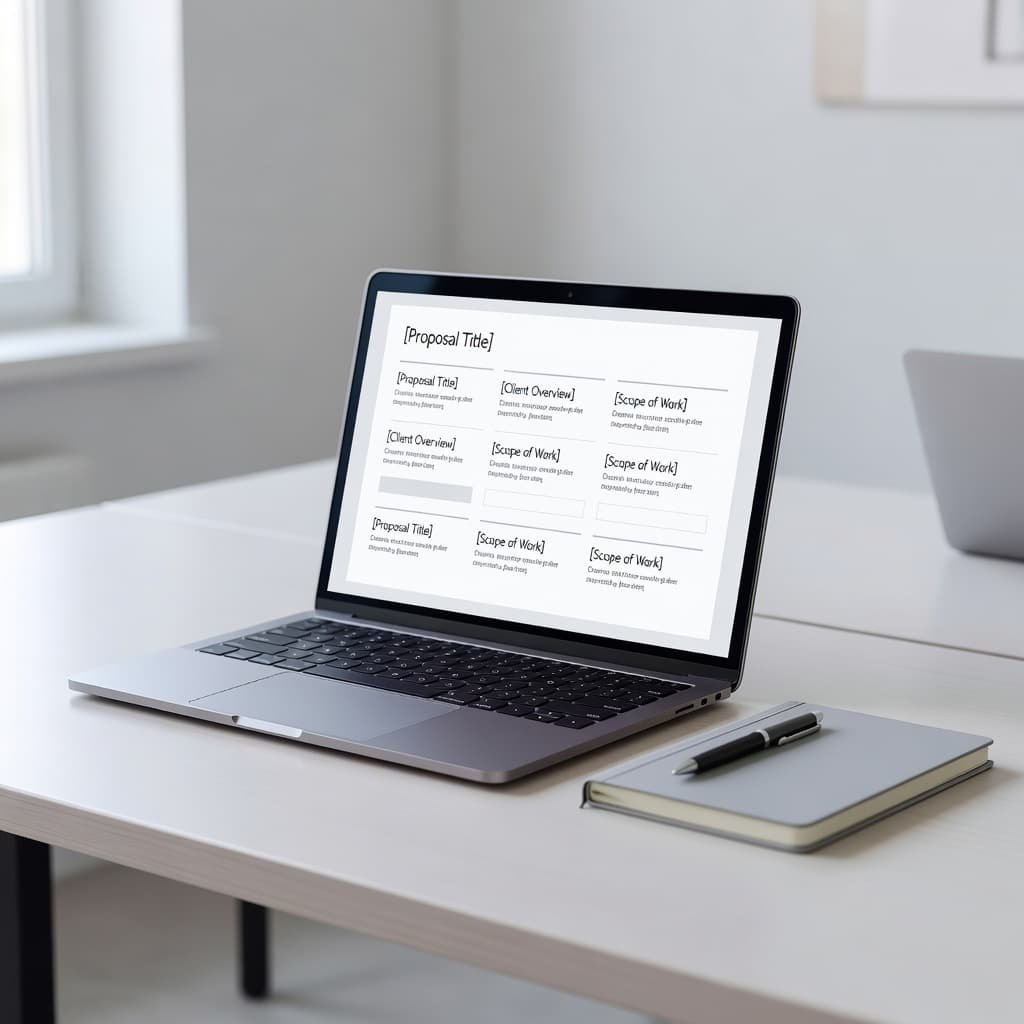
Keep a separate field for unknowns. For example, if the client has not confirmed the number of stakeholders, do not bury a guess inside the scope. Mark it as an open item for the proposal reviewer.
Freelancers also benefit from connecting each proposal to their operating model. Whether you are sending direct pitches or crafting competitive Upwork proposals, your positioning, ideal client, capacity, and financial goals should inform what you offer. This freelancer business planning guide can help clarify those decisions before they become proposal problems.
Set Data Boundaries Before Claude Sees the Brief
Proposal work often includes confidential client material. Discovery calls may contain internal targets, budget details, staffing issues, product plans, or personal contact information. Claude does not need every detail to write a useful draft. To maintain consistency, you should establish global instructions that define these data boundaries across all your projects.
Create a simple data policy for proposal preparation. In most cases, Claude needs the client’s business context, desired outcome, scope, and approved commercial terms. It rarely needs passwords, API keys, raw call recordings, financial statements, personal data, or full internal documents.
For sensitive opportunities, replace names with role labels such as “VP of Marketing” or “Operations Lead.” You can also implement a banned word list to automatically flag and remove internal jargon, specific employee names, or sensitive identifiers from the brief. When processing discovery call transcripts, focus on manual data extraction rather than letting the AI scan the entire raw document. This ensures Claude only receives the specific, sanitized points it needs to build a high-quality draft.
If your team handles regulated, legal, financial, or highly confidential work, review the current plan terms and data controls before using Claude. A managed business workspace or API arrangement may offer controls that personal accounts do not. Larger teams should also set access rules, use single sign-on where available, and limit source documents to people who already have permission to view them.
Treat every AI-generated proposal as an internal working draft until a named person approves it for external use.
This rule matters even when the prompt contains clean data. Claude can misunderstand a source, add an unsupported claim, or phrase a commitment more broadly than your team intended.
Give Claude a Controlled Proposal Draft Prompt
A strong prompt separates instructions from source material. First, define the role and constraints. Then, provide the approved brief. Finally, define the exact structure for your proposal. By setting up custom instructions, you can ensure the output consistently reflects your brand voice throughout the document.
Don’t ask Claude to “write a winning proposal.” That request invites generic language and invented details. Instead, ask for a client-specific draft that uses only the information provided. If you are drafting technical sections, consider using Claude Code to handle complex formatting. You can also utilize plan mode to outline the structure before generating the full document.
Paste the approved brief after a prompt like this:
You are drafting a client proposal for a professional services engagement. Use only the approved information below. Do not invent results, timelines, pricing, legal terms, client facts, or service capabilities.
Write in a direct, confident tone. Include: executive summary, client objectives, recommended scope, deliverables, timeline, client responsibilities, investment, assumptions, exclusions, and next steps.
If a required detail is missing or contradictory, write “Open item for review” rather than making an assumption. Keep all pricing exactly as supplied. End with a list of clarifying questions that require human confirmation.
When dealing with large projects, you may need to provide multiple reference files. Keep a close eye on your context window to ensure the AI remains focused on the primary source material. To simplify repetitive tasks, save your most successful prompt structures as prompt recipes that you can reuse for future clients.
Attach only sanitized documents that support the draft. A clean discovery summary, an approved service menu, and verified case-study notes are usually enough. If Claude’s account and your policy permit file uploads, use a tightly selected source pack instead of dumping an entire folder into the conversation. For technical requirements, Claude Code can help parse these documents efficiently.
Set a source hierarchy, too. The current proposal brief should override an older case study. A signed pricing sheet should override a sales note. Your approved terms should override language from an earlier proposal.
For a practical view of how freelancers present project proposals, this project proposal walkthrough is a useful reminder that clarity around deliverables and client outcomes often matters more than decorative language.
Review Scope, Price, and Promises Before Sending
Claude’s first draft is the beginning of proposal production, not the end. Think of this stage as a Claude Cowork activity where human expertise refines AI output. A reviewer should compare every section against the approved brief and remove anything that cannot be supported.
Start with scope. Check that each deliverable has a clear quantity, format, deadline, and owner. If you offer strategy, support, or optimization, define what those terms include. Use plan mode to verify the logical sequence of these services, ensuring the workflow makes sense for the client. If your project involves complex services, you must verify the phase-based implementation to ensure the timeline remains realistic. For technical tasks, you can use Claude Code to help double-check that your technical milestones align with the proposed scope. Ambiguous language creates room for scope creep after the client signs.
Then check the commercial details. Claude may copy a number accurately while placing it beside the wrong milestone or payment condition. Confirm currency, tax treatment, discounts, deposit requirements, payment dates, and change-request terms against the current rate card or approved quote.
Use a short review table within your project tracker before any proposal moves to send status.
| Review area | What to verify | Human owner |
|---|---|---|
| Scope | Deliverables, exclusions, assumptions | Project or account lead |
| Pricing | Fees, payment schedule, discount approval | Sales lead or finance |
| Claims | Case studies, expected results, credentials | Subject-matter owner |
| Terms | Liability, cancellation, IP, confidentiality | Authorized reviewer |
Legal language deserves extra care. Claude can help organize plain-language text, but it should not approve contracts, warranties, privacy terms, or regulated claims. Route binding terms to the person or counsel responsible for them.
Keep the review visible. Record the proposal version, reviewer name, approval date, and any open questions. That record protects your team when a client later asks why a price, deadline, or commitment changed.
Automate Handoffs, Not Judgment
You do not need a specific CRM or complex software to build an effective workflow automation process. A simple combination of forms, spreadsheets, project boards, document folders, and Claude works well if each stage has a clear owner and status.
A platform-independent sequence for your workflow automation looks like this:
- Qualify the opportunity and collect discovery notes.
- Complete the proposal brief and mark facts as approved.
- Create a sanitized source pack for Claude.
- Generate the first draft using the standard prompt.
- Apply routing logic to move the draft into a formal review queue for scope, pricing, and terms.
- Approve, personalize, send, and archive the final version.
While tools can create folders, duplicate templates, or update deal statuses, they should never send a proposal automatically after Claude generates text. Sending must remain a deliberate action by a named person. To keep the process moving, use scheduled tasks to trigger reminders for the reviewer, ensuring no draft sits idle.
Save approved proposals in a searchable library to streamline future work. Over time, you can reuse strong section structures, accurate service descriptions, and proven objection responses. Use automated reporting to log the success rates of these proposals in your archive, which helps you identify which templates and descriptions perform best. Always remember to remove client-specific details before turning any past proposal into a reusable source, and use scheduled tasks to prompt regular maintenance of this content library.
Frequently Asked Questions
How can I ensure Claude doesn’t include hallucinated pricing or deliverables in my proposal?
To prevent hallucinations, strictly instruct Claude to use only the data provided in your brief. Explicitly tell the model not to invent numbers or services, and instruct it to flag any missing information as an “open item for review” rather than making an assumption.
What is the best way to handle sensitive client data when drafting with Claude?
Always sanitize your data before inputting it into a prompt by removing unnecessary PII, passwords, or internal financial statements. Replace specific names with role-based labels, such as “Project Manager,” and avoid uploading raw transcripts that contain highly confidential information.
Why does the final proposal still require a human review process?
AI models can misinterpret source documents, phrase commitments too broadly, or place figures in the wrong context. A human must verify that all pricing, legal terms, and scope definitions align with your internal business requirements and client promises before the document is sent.
Can I use Claude to draft legal language for my proposals?
While Claude can help organize and format plain-language text, it should not be used to approve or draft binding legal terms, warranties, or regulatory compliance language. All legal components should be reviewed and validated by a qualified professional or your internal legal counsel.
Keep Claude in the Right Role
A reliable proposal process treats Claude as a drafting partner with clear boundaries. It can organize a strong brief, adapt the tone, surface missing details, and produce a useful first version fast. When you leverage Claude Code for your technical documentation or utilize Claude Code to streamline complex data retrieval, you build a robust foundation for a persistent workspace. Integrating Claude Cowork allows you to further automate routine tasks, ensuring your team stays focused on strategy.
Your team still owns the promises. By developing custom skills within Claude to handle specific industry requirements, you ensure that every draft starts with approved facts and ends with human review. A phase-based implementation of this workflow allows you to refine your output gradually, helping you respond faster without gambling with scope, pricing, or client trust. A well-structured Claude proposal workflow ensures that your automation remains an asset rather than a liability.